


New article
Recently updated
How to resolve "Multiple manifest files found" error when uploading SCORM package?

The image below displays the 'Multiple manifest files found' error after uploading the SCORM package. The 'Multiple manifest files found' error is usually caused by 2 or more IMSMANIFEST files in the SCORM package. To resolve the issue, you must delete the excess IMSMANIFEST file.
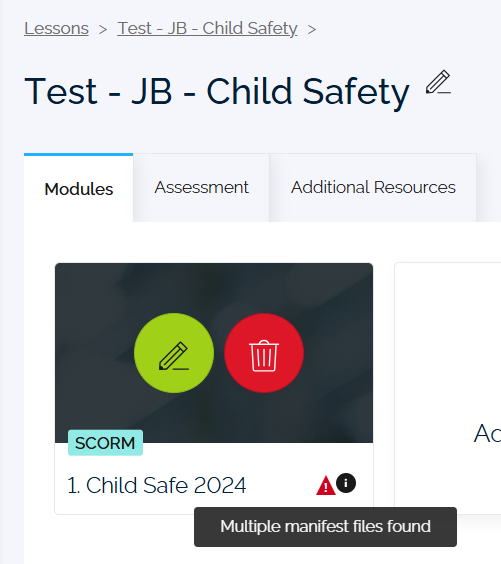
Resolve the 'Multiple manifest files found' error by following these steps:
-
If the SCORM package is zipped, you will have to extract it (right-click, then select Extract All).
-
Open the extracted SCORM package. You will find the first IMSMANIFEST file that you should keep.
-
Find the excess IMSMANIFEST file using the search bar or by opening each folder. Delete the duplicate IMSMANIFEST file.
Note: You will not be able to delete the duplicate IMSMANIFEST file without extracting the SCORM package. -
After deleting the duplicate IMSMANIFEST, compress the SCORM package (right-click, Compress to... ZIP file).
-
Reupload the SCORM in Damstra Learning.
Note: You will not be able to reupload the SCORM package without compressing it into ZIP file.