


New article
Recently updated
Using the side navigation menu

Who is this article for?
Support agents assisting users.
Agent permission required.
The side navigation menu provides quick access to key features of the workplace management platform based on your assigned role and permissions.
Understanding the navigation menu
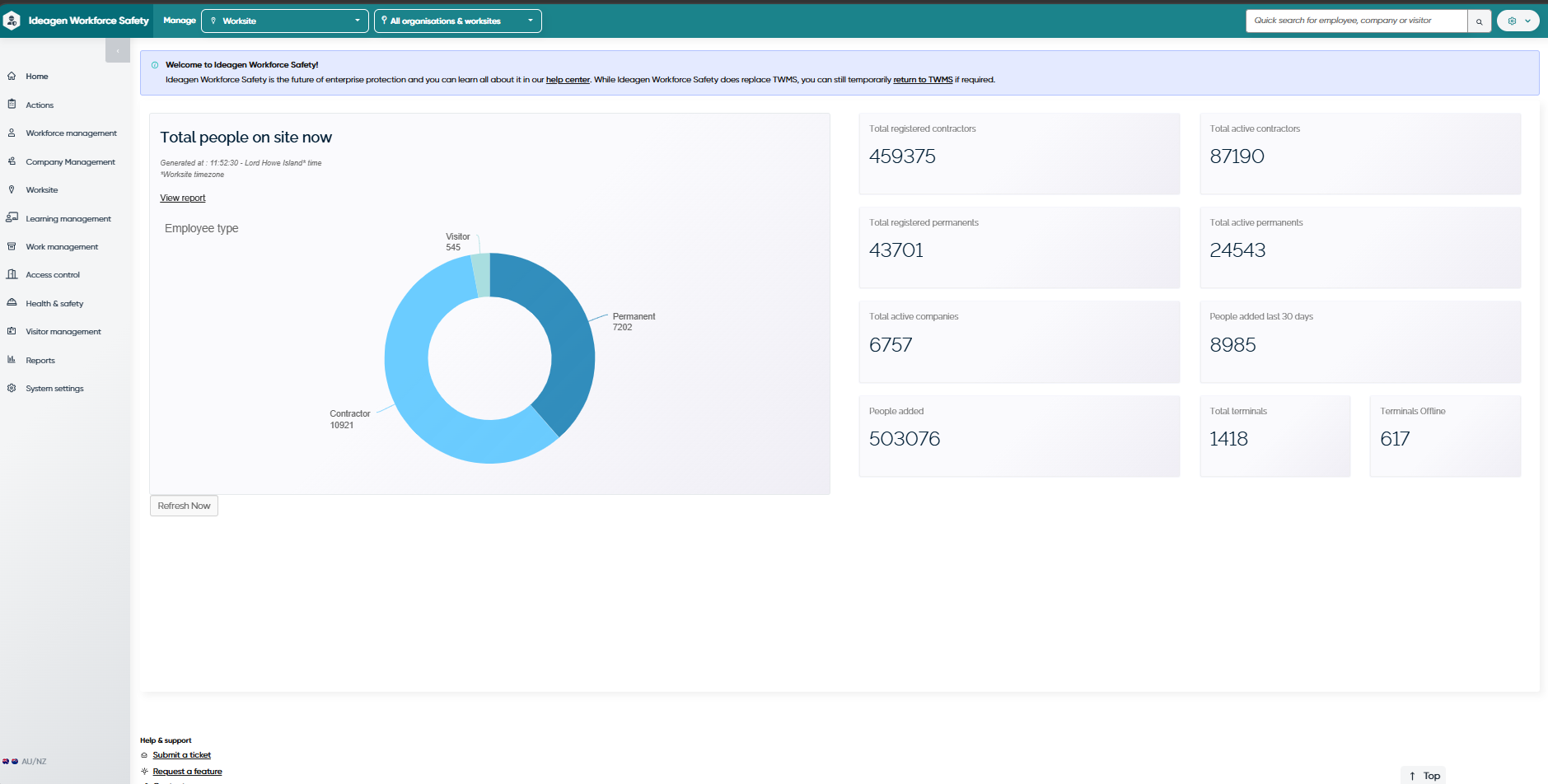
The side navigation menu appears on the left side of the screen and uses a two-pane layout. The menu displays options according to your user view level and permissions, with each item linking to a specific functional area of the platform.
Note: The visibility of menu items in the navigation panel depends on your assigned user view level and permissions. Some features may be hidden or restricted based on your role within the platform.
Managing platform features
The navigation menu streamlines access to essential tools and information, enabling you to manage worksites, employees, assets, and safety protocols effectively. The menu is role-based and displays options according to your permissions.
Accessing menu items
Your access to menu items depends on your user level and assigned permissions. Some features are available only to Level 1, 2, or 3 users or those with custom permissions.
You can use the menu to manage everything from employee profiles to safety forms and visitor logs.