New article
Recently updated
Troubleshooting missing templates in registers

Who is this article for?
Administrator who want to use a form, memo, or action template in the registers.
Administrator permission are required.
If a template is missing from the default or project templates list, or you cannot enable it for use in a project, the template may not be currently enabled.
Identifying the issue
You may experience one or more of the following symptoms:
- A template is missing from the default or project templates list
- You are unable to enable the template for use in a project
Understanding the cause
The template is not currently enabled. The details page only displays templates that are already enabled.
Resolving the issue
To enable the missing template:
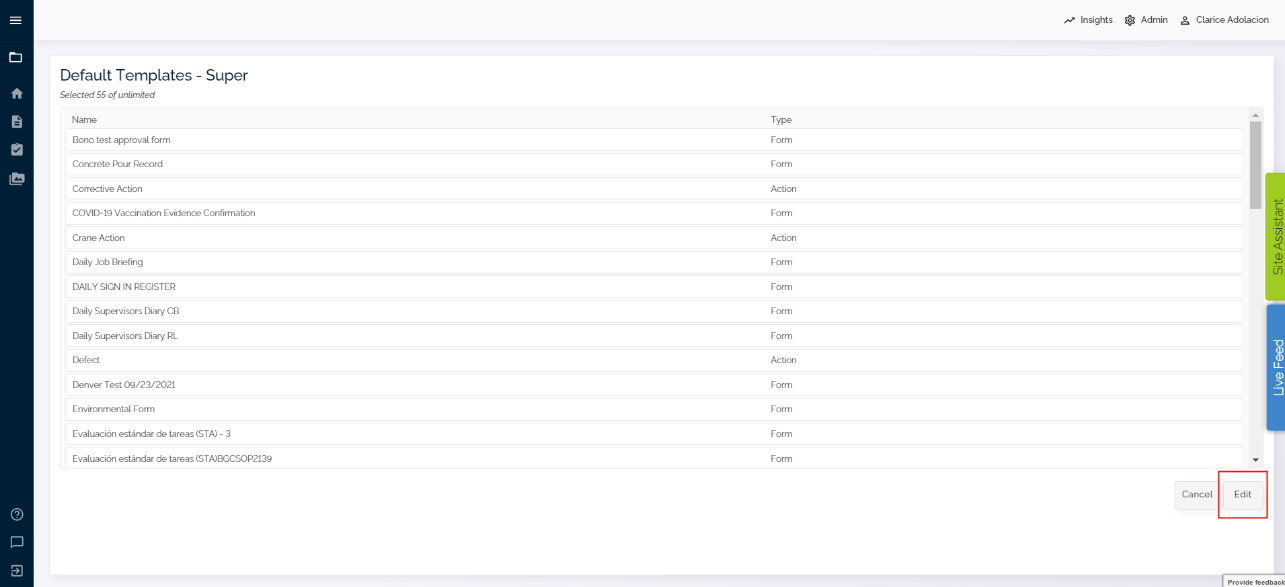
- Click Edit on the details page to view all available templates, including those that are not yet enabled.
- Enable the desired template so it appears in the Default or Project Templates list.