New article
Recently updated
Using the Site Map in the Worksite module

Who is this article for?
Agent assisting users.
Agent permission required.
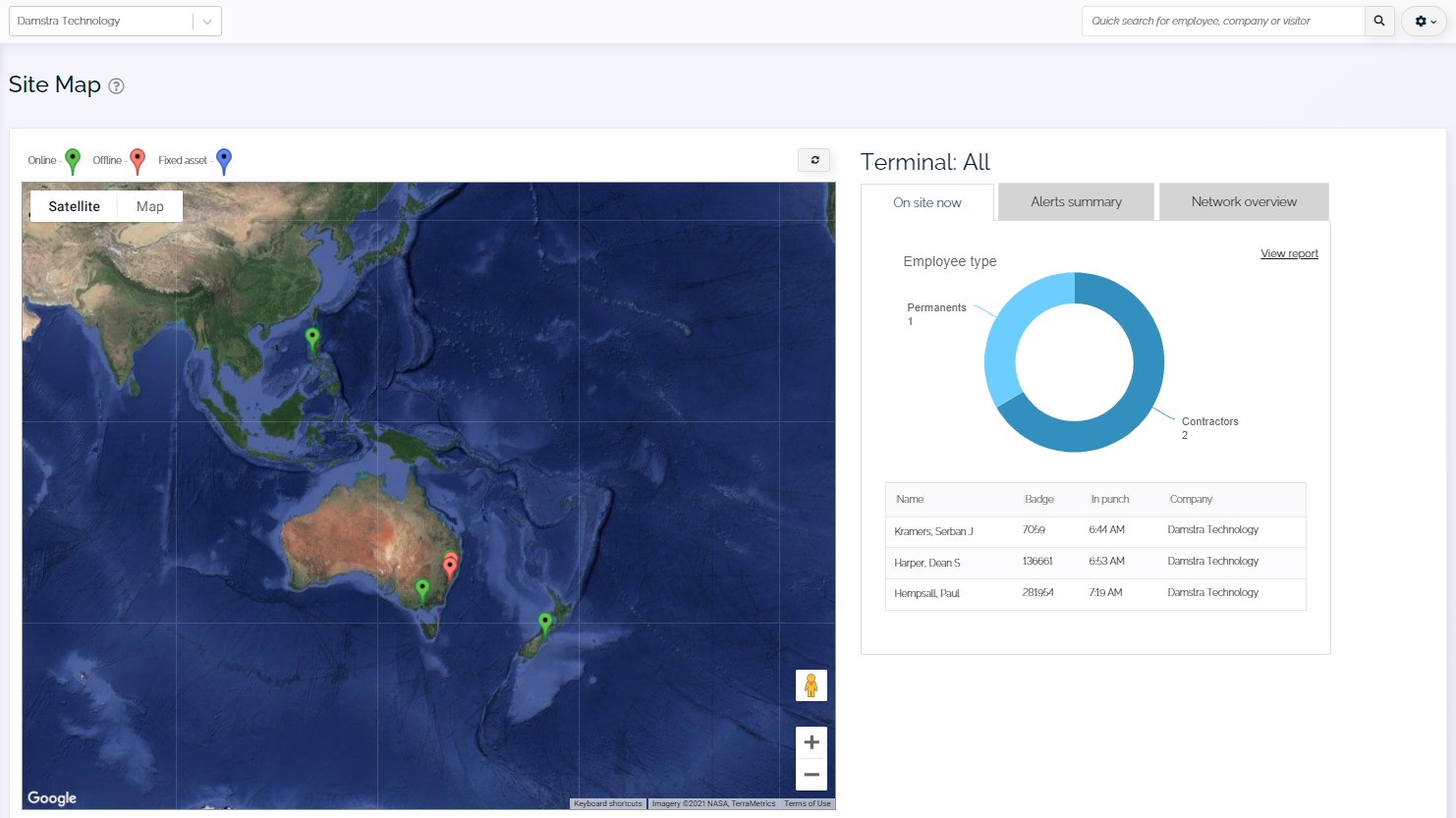
The Site Map provides a visual overview of terminal locations and real-time activity across selected worksites, allowing you to monitor employee presence, alerts, and network status efficiently.
Accessing the Site Map
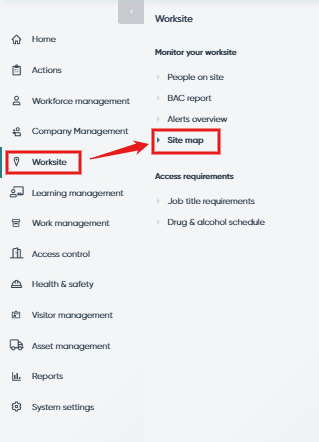
To access the Site Map:
- Go to Worksite in the left-hand navigation.
- Select Site Map.
The Site Map displays three main tabs for monitoring different aspects of worksite activity.
Viewing employees currently on site
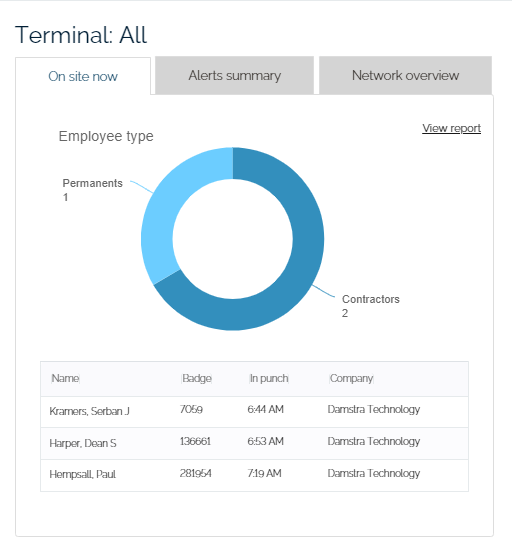
The On site now tab shows real-time data on employees currently on site.
The displayed information includes:
- Full name (click to open employee profile in a new tab)
- Ideagen Workforce Safety Badge ID
- Company name
- In-punch timestamp
Monitoring real-time alerts
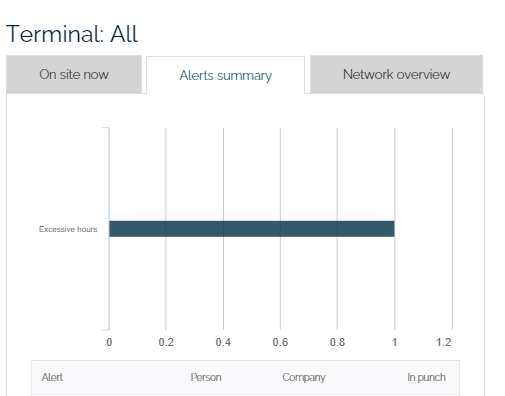
The Alerts summary tab displays real-time alerts triggered by individuals on site.
The displayed information includes:
- Alert type
- Person's name
- Company
- In-punch timestamp
Checking terminal network status
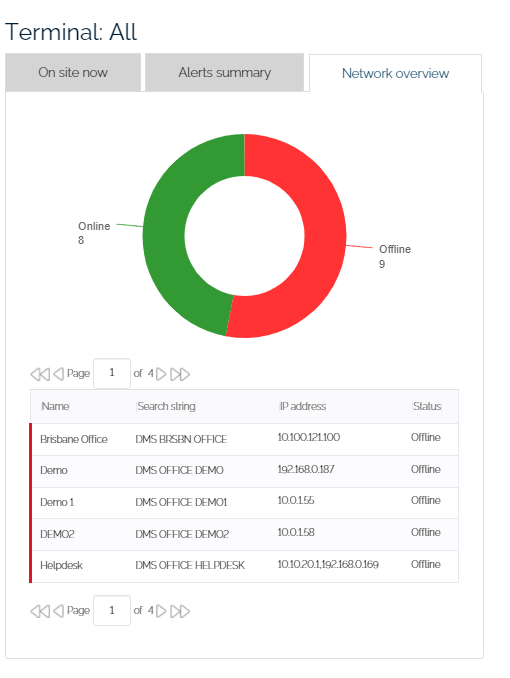
The Network overview tab allows you to monitor the status of terminals across selected worksites.
The displayed information includes:
- Terminal name
- Search string
- IP address
- Connection status
To navigate the report:
- Use the Search bar to find specific keywords.
- Navigate between report pages using the Next and Previous buttons.